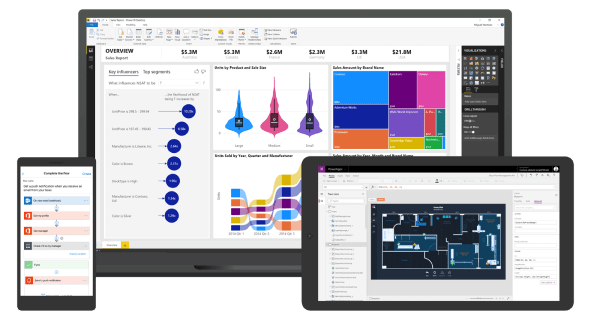
Overview
Automate your business, simplify operations, and redefine the way you deal with new opportunities using powerful Dynamics 365 solutions.
Low-Code Development
Create apps quickly with little or no coding.
Accessible for All Users
Easy for both beginners and professionals.
Microsoft 365 Integration
Works smoothly with Excel, SharePoint, and Outlook.
Connectivity to Data Sources
Connect to SQL, SharePoint, and Dynamics 365.
What is Power Apps and how can I use it?
Power Apps is a tool that allows you to create custom apps, leveraging many of the features of the Microsoft 365 and the Power Platform. Apps can be accessed via mobile devices or via the browser, with possibilities for integration with different Microsoft 365 tools such as Teams and SharePoint.
Microsoft itself defines Power Apps as a solution that can “deliver apps embedded with AI to modernise your legacy applications and systems fast.” It can provide value as a rapid application development platform that can save huge amounts of cost and time.
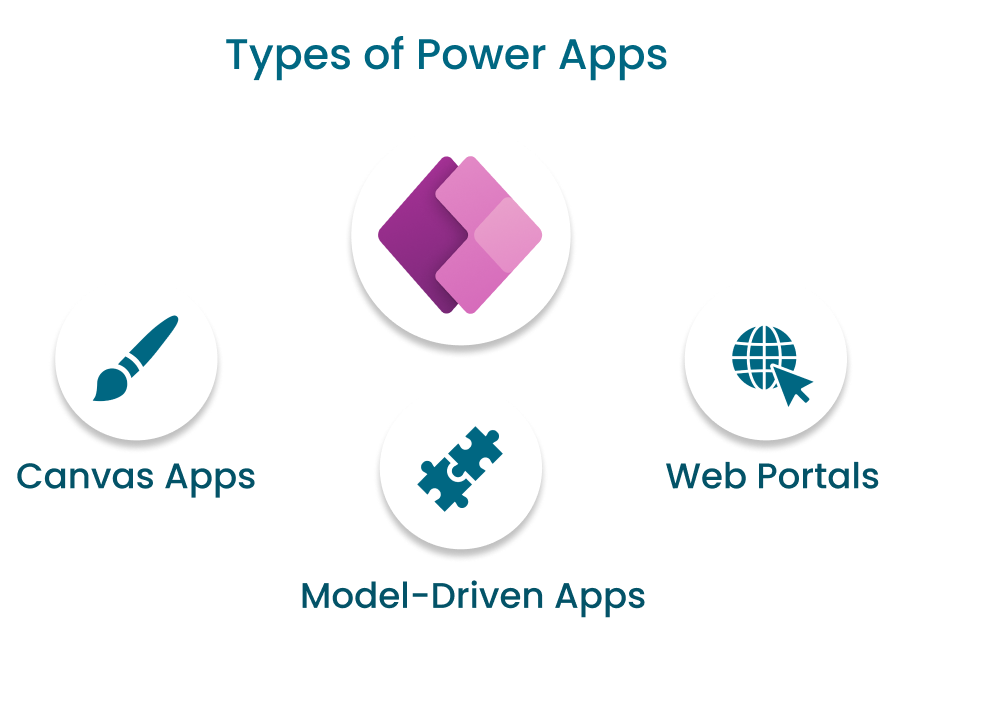
Types of Microsoft Power Apps
Microsoft Power Apps is a robust business tool within the Power Platform that empowers users to create custom business applications without requiring extensive coding skills. Its flexibility and variety of app types enable Power Apps to meet diverse business needs effectively.
We will explore the various app types available in Microsoft Power Apps, discuss their advantages and disadvantages, and explain the best scenarios for using each type.
- Canvas Apps: The first type of Power App we will explore is the Canvas App. It offers a blank canvas for designing the app's layout and interface from scratch. Users have complete control over the design and functionality, making it highly customizable.
- Model-Driven Apps: The second type of Power App we will explore is the Model-driven app. Built on a data model, it allows users to create powerful, data-centric applications quickly. The data model drives the app’s layout and business processes.
- Portal Apps: The final type of Power App we will explore is the Portal App. Portal Apps enable the creation of external-facing applications, allowing interaction with users outside the organization. These portals can be customer-facing, partner-facing, or employee-facing.
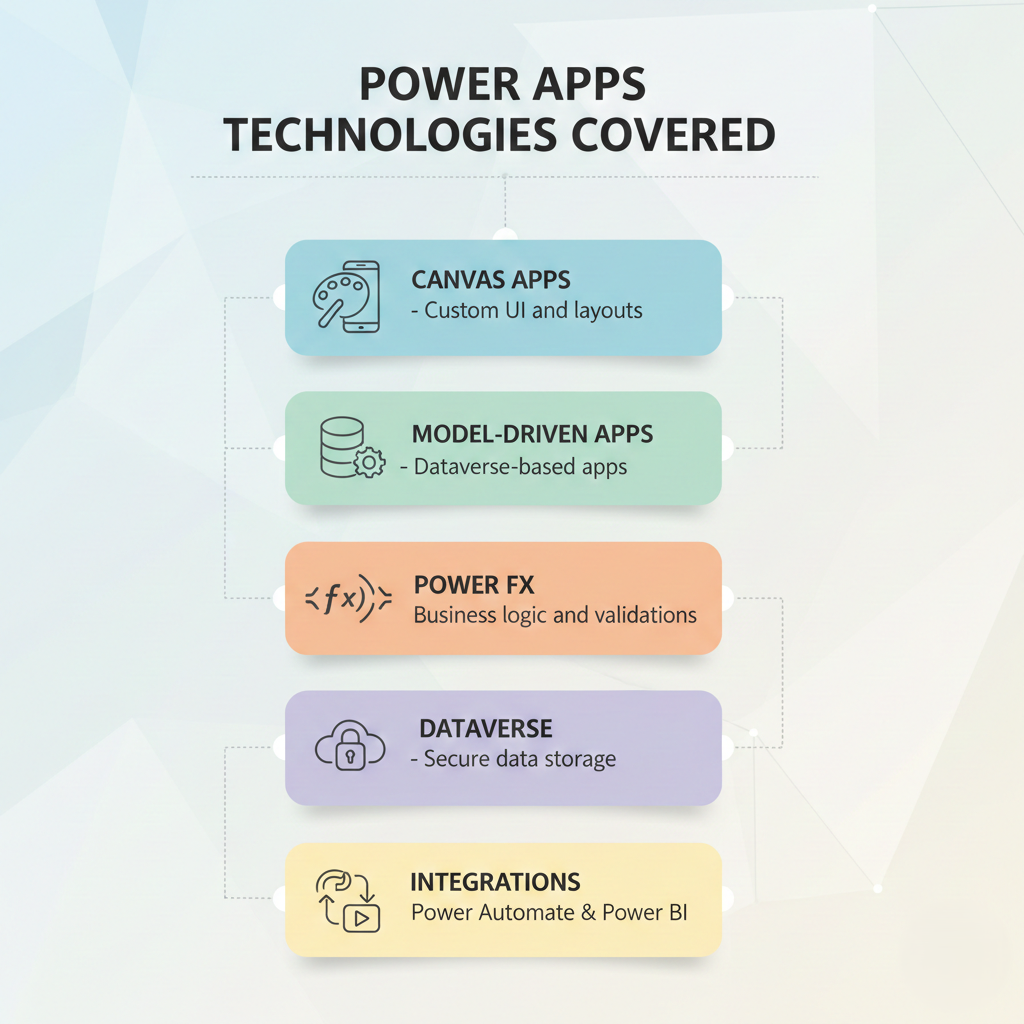
Value of Microsoft Power Apps
Power Apps is a suite of applications, services, and connectors, along with a data platform, that provides a rapid application development environment to build custom apps for your business needs.
- Empowerment of Citizen Developers Low-Code/No-Code Development: Power Apps enables users with little or no coding experience to create applications. This democratizes app development, allowing more people in an organization to solve problems and automate processes without relying on IT. Custom solutions can be built quickly without deep technical knowledge.
- Integration with Microsoft Ecosystem: Power Apps integrates well with other Microsoft services like SharePoint, Teams, Dynamics 365, Office 365, and Azure. Dataverse allows apps to share data securely across applications.
- Cost Efficiency: By enabling rapid development and deployment, Power Apps reduces development costs and streamlines business processes, reducing errors and increasing operational efficiency.
Training Process
Introduction
Overview of Power Apps, Power Platform, and development environment.
Controls & Layouts
Working with controls, screens, responsive layouts, and UI design.
Data Sources & Connectivity
Connecting Power Apps with SharePoint, Dataverse, SQL, and other data sources.
Power Fx Fundamentals
Core Power Fx formulas, functions, variables, and expressions.
Forms & CRUD Operations
Creating forms and performing Create, Read, Update, and Delete operations.
Navigation & App Logic
Screen navigation, conditional logic, and user interaction handling.
Deployment
App publishing, versioning and sharing.